MeetingDebrief Blog Launch: What This Blog Will Cover
A clear introduction to MeetingDebrief and the editorial promise behind the blog: local-first meeting notes, on-device dictation, and practical workflows without bots or uploads.
Martijn Smit 6 min read
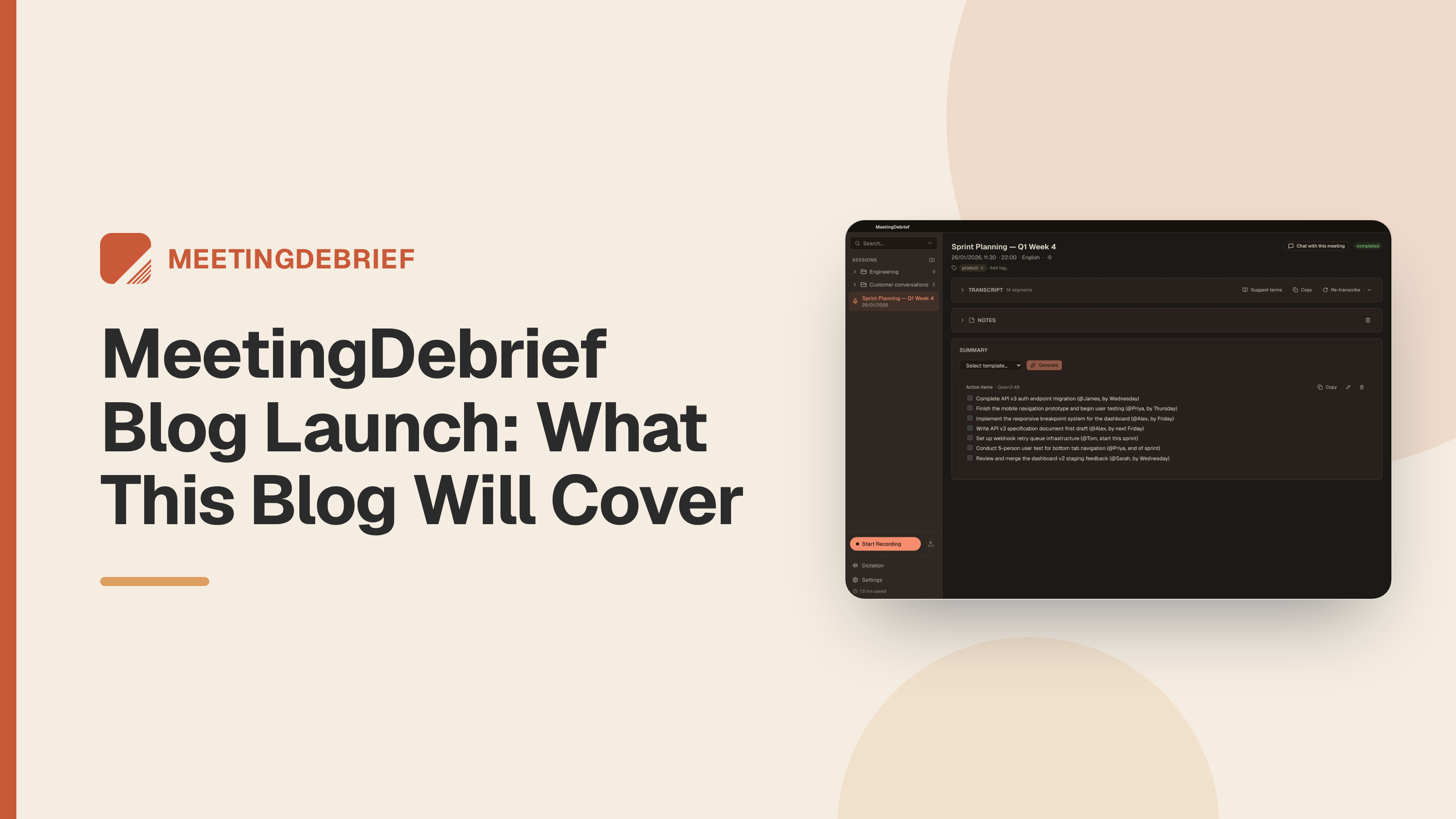
If you just found MeetingDebrief through this MeetingDebrief blog launch, you probably want two answers fast: what the app does, and whether this blog is worth following. This launch post answers both. Your meeting audio should stay on your device.
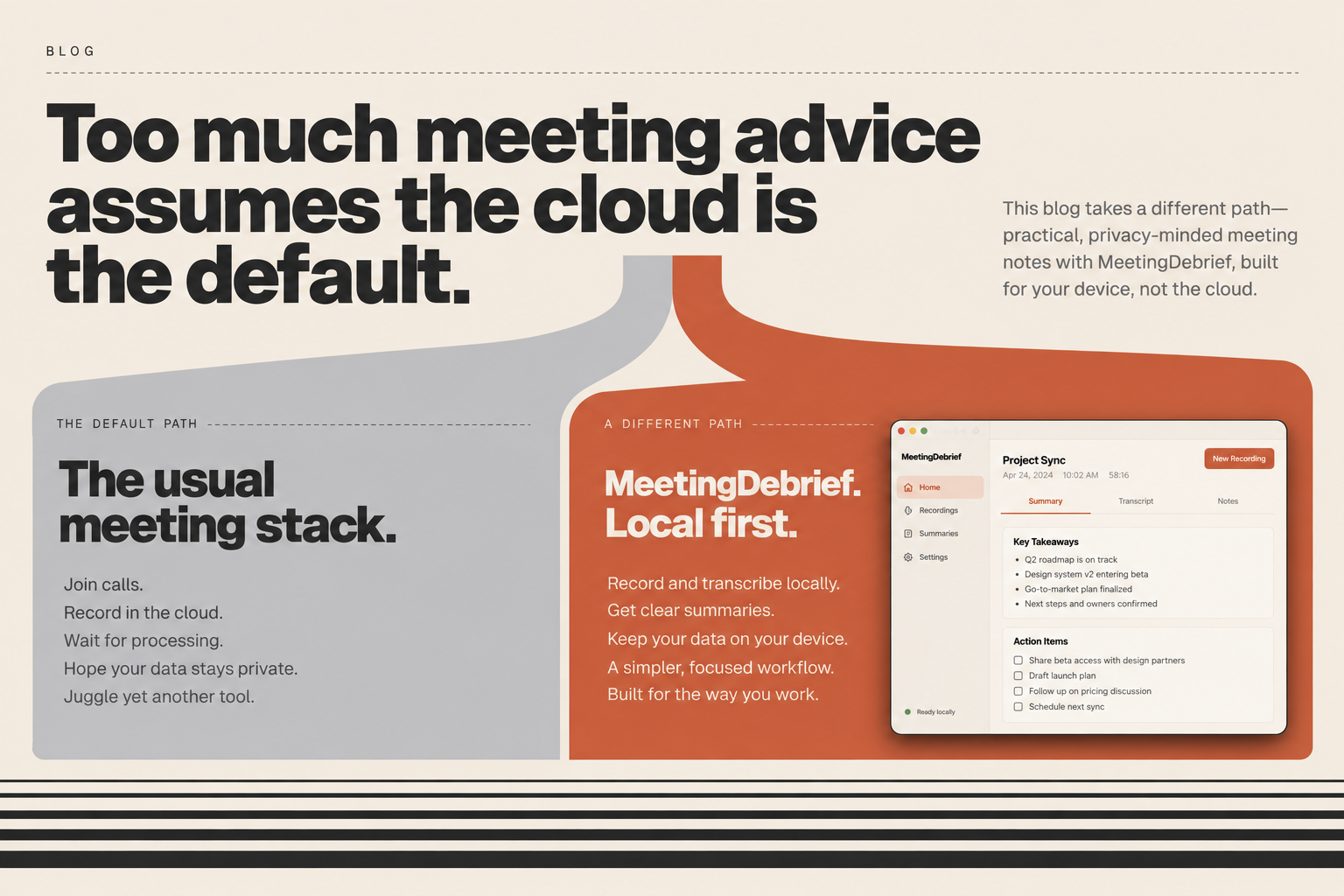
A lot of meeting software advice treats cloud upload, a bot joining the call, and another monthly subscription as normal. For many people, that is not a small trade-off. It can mean explaining to a client why a third party is now present, or accepting that a sensitive recording lives on someone else’s servers because the category decided that was convenient.
This blog exists because people who want local-first recording, transcription, dictation, imported audio workflows, and MCP access without uploads or bots do not get much practical guidance written for them.
Start from the architecture, not the category
Most writing in this category starts from the vendor’s model and works backward. It compares bot etiquette, storage limits, and plan tiers as if those are the normal constraints. This blog will judge the work differently. If a tool needs your recording uploaded to someone else’s servers, treats a third-party participant as acceptable overhead, or assumes note-taking should be rented forever, that is not a neutral baseline here.
MeetingDebrief, in one paragraph
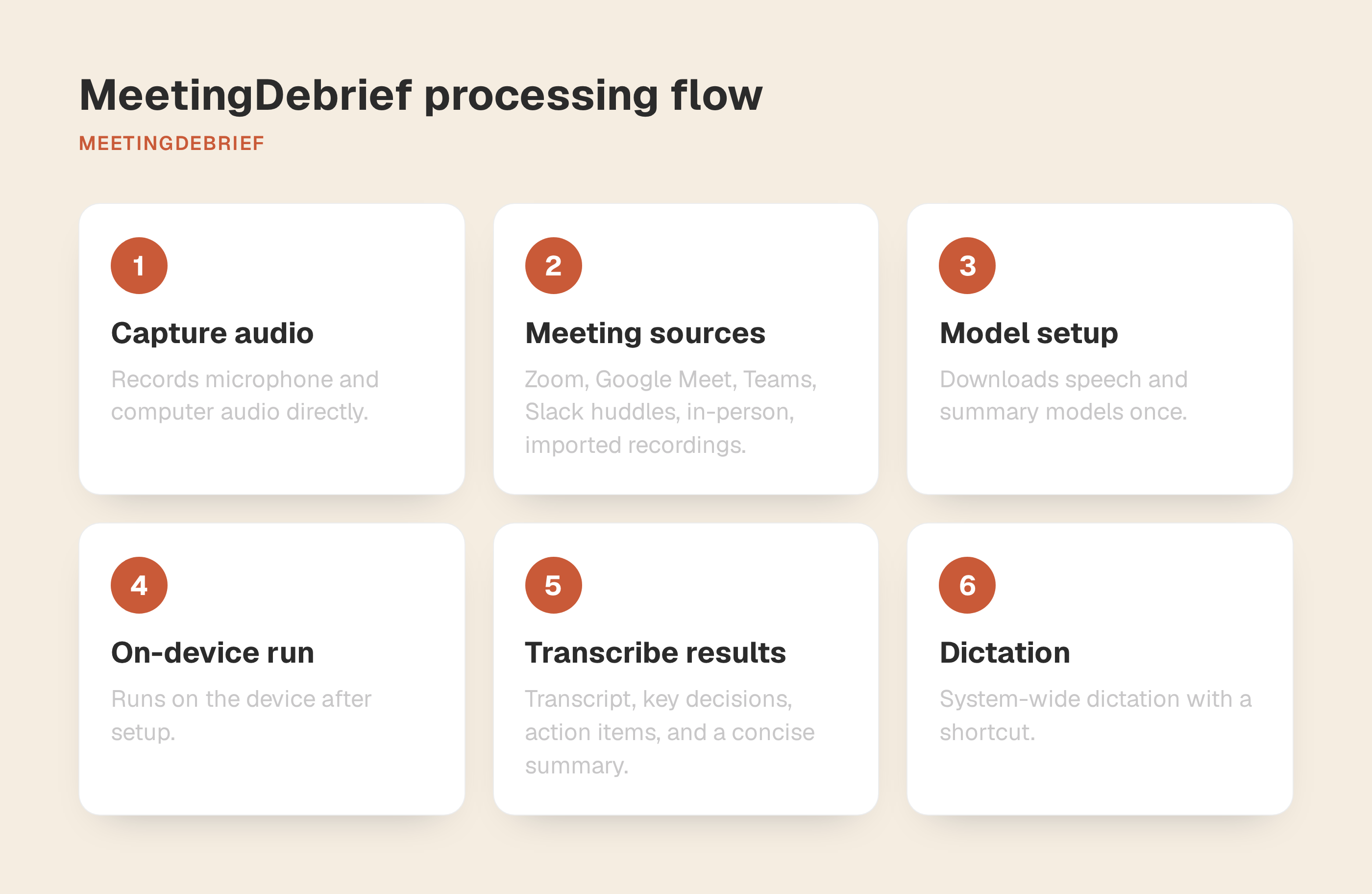
MeetingDebrief is a desktop app for macOS 14+ and Windows 11+ that records your microphone and your computer’s audio directly. It can capture Zoom, Google Meet, Teams, Slack huddles, in-person conversations, and imported recordings without a meeting bot or platform integration.
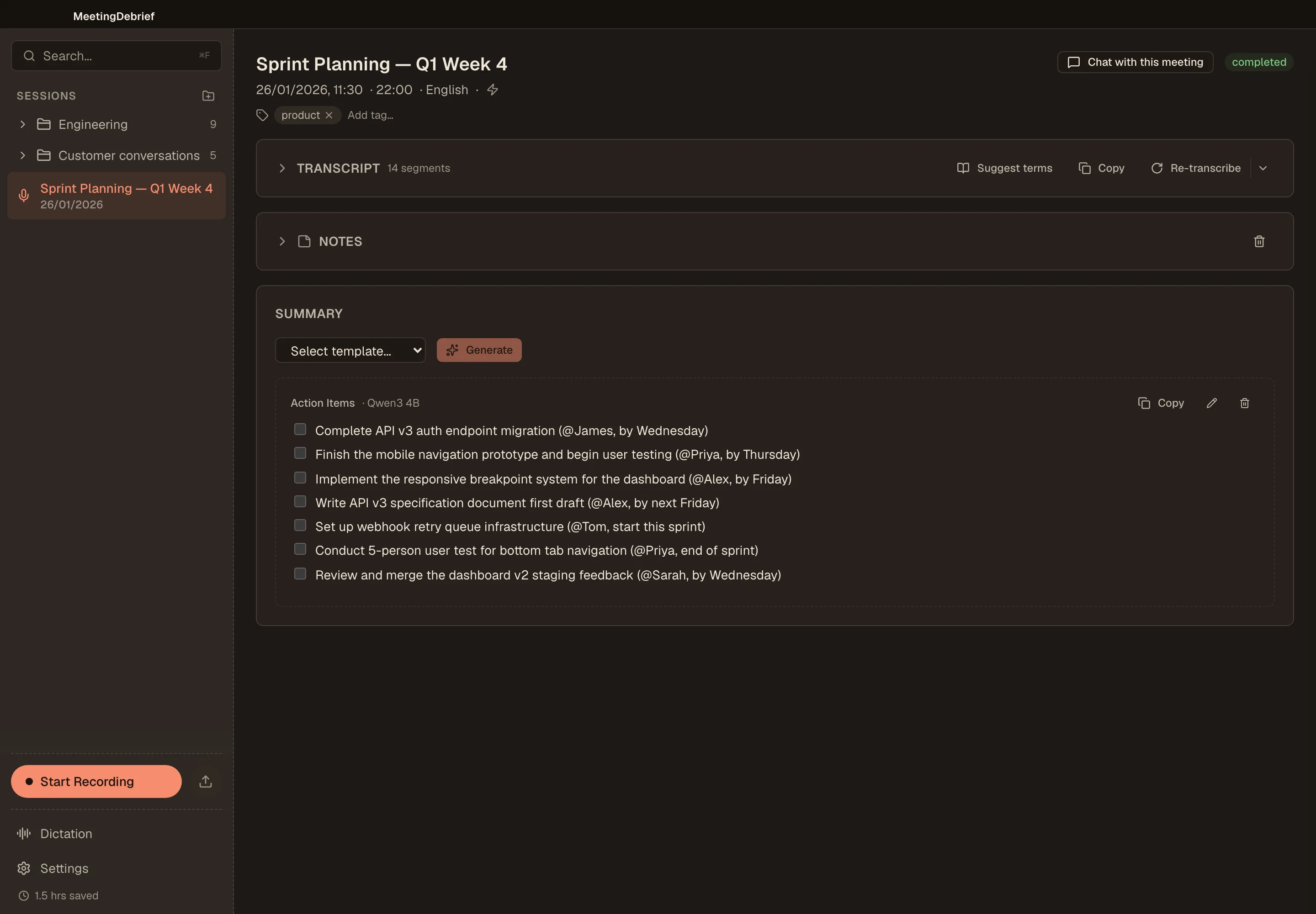
Setup downloads the speech and summary models once. After that, the app runs on the device and turns a recording into a transcript, key decisions and action items, and a concise summary. It also includes system-wide dictation, so you can hold a shortcut and speak into the app you are already using.
Expect practical posts first. That means guides for ordinary work: turning an imported interview recording into a local transcript, using dictation for email drafts or Slack replies instead of typing them out, and getting from a meeting to usable notes without spending the gap before the next call rewriting everything by hand. If a post cannot help with a real task, it does not belong here.
We will also publish plain-English explainers for parts of the product that are easy to overcomplicate. MCP is a good example. “Read-only access to your meetings” is accurate, but it is only useful if the article shows when a developer would want Claude Code or Cursor to search past calls, pull transcript context, or read summaries without pasting half a meeting into a prompt.
Some posts will be narrower and more opinionated. Local-first interview transcription changes the privacy trade-off for researchers and journalists. Using one app for both meeting notes and dictation also changes the daily workflow for people who would otherwise bounce between separate tools. Desktop software still makes more sense than another browser service in some workflows, and less sense in others. This blog should be specific about those boundaries.
We will cover releases too. Release posts should explain the consequence, not just the version number. If something changes in dictation, imported audio, or MCP search, the useful question is what you can do with it now.
Who this blog is for
This blog is for people who cannot treat meeting records casually. Consultants, freelancers, agencies, and advisors on client calls need usable notes without turning a confidential conversation into a vendor-held recording. If your work includes discovery calls, project updates, or bid conversations where wording matters later, that is the audience we have in mind.
It is also for developers who use Claude Code or Cursor and want meeting context available over MCP, and for engineering and product leads running standups, one-on-ones, and planning. The point is to keep the reasoning from those conversations close enough to shape code, tickets, and follow-up decisions.
And it is for researchers, journalists, academics, and multilingual professionals who spend real time transcribing interviews or conversations, plus people who dictate heavily into email, chat, documents, or a terminal and do not want cloud processing or a separate dictation subscription.
What you will not get from us
You are not going to get filler here. No recycled meeting etiquette posts. No productivity advice that could apply to any app with a text box. If a piece does not help you make a clearer choice, use a feature better, or understand a trade-off, it should not be published.
We will also be explicit about where the offline story starts and ends. MeetingDebrief downloads its speech and summary models during setup, and after that recording, transcription, summaries, chat, and dictation can run without an internet connection. If a workflow depends on something else, we should say so plainly.
When pricing affects a workflow, we will compare MeetingDebrief against the real alternative, which is often two tools: one for meeting notes and another for dictation. For some buyers that makes a one-time desktop app easier to justify. For others, it will not, and we should say that plainly.
We will also stay inside the product’s actual edges. If something is desktop-only, we will say desktop-only. If a workflow depends on macOS 14+ or Windows 11+, we will say that. No implying hidden cloud features, mobile apps, or anything else the product does not support.
Start with one meeting, then see if the blog earns your follow
The best next step is simple: download MeetingDebrief and use the 7-day trial on one real piece of work. The trial starts the first time you open the app, unlocks every feature including dictation, and does not ask for an account or a credit card.
If the trial is useful, come back when you want a better way to handle the next real task: a client follow-up, an imported interview recording, searchable standup notes, or a prompt you would rather dictate than type. That is what this blog will cover.